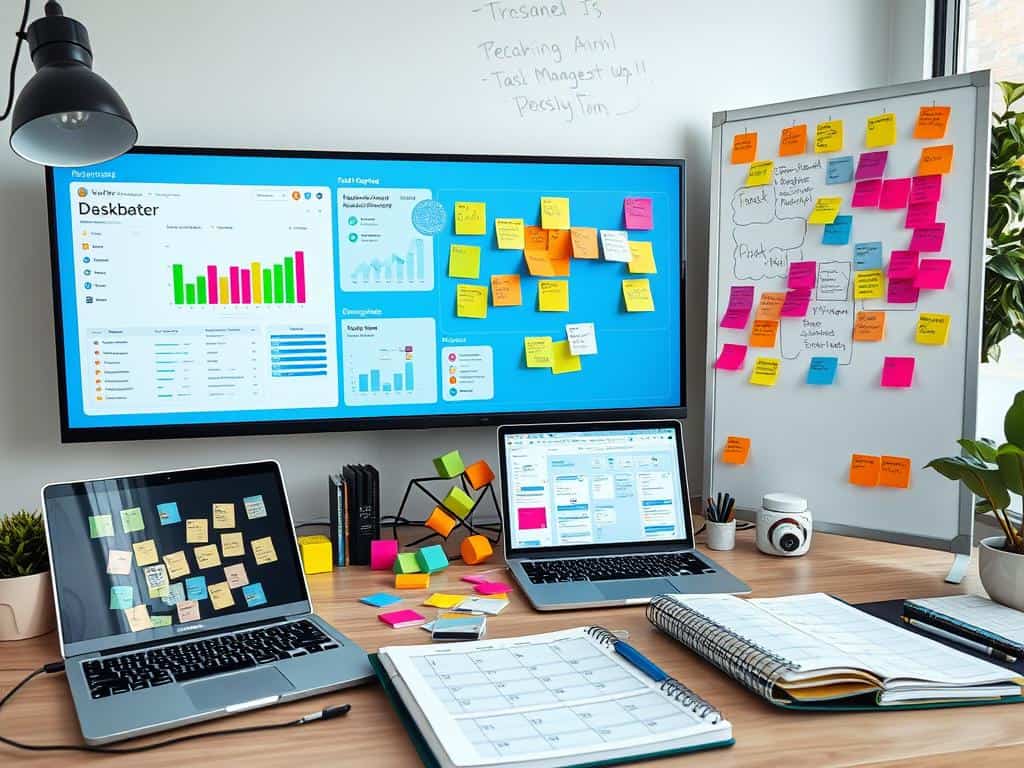
Did you know that 34.4% of projects are never finished on time? Also, 40% end up costing more than expected. This shows we really need good multitasking tools in project management. As businesses grow and handle more projects, old ways of managing can’t keep up. This leads to project failures and unhappy clients.
Choosing the right tools for multitasking is key to reducing stress. It also helps improve how well we organize and finish projects on time. In this article, we’ll look at what matters most in managing many projects. We’ll also explore some top multitasking tools to help you stay focused.
Key Takeaways
- 34.4% of projects are never completed on time, stressing the need for effective tools.
- 40% of projects go over budget, showing how important good project management is.
- Picking the right multitasking tools can make workflows smoother and help you stay focused.
- Keeping an eye on progress is key to avoiding delays and meeting deadlines.
- Good planning and communication are vital for managing many projects well.
Understanding the Challenges of Managing Multiple Projects
Managing many projects is tough and needs careful planning. As a project manager, I face problems like Balancing Tasks, keeping things organized, and working well with my team.
Balancing Responsibilities and Tasks
About 60% of project managers handle two to five projects at once. They must figure out what’s most important and what their team can do. It’s important to not overwork, as too much can make mistakes and lower productivity.
Setting up schedules with 80% capacity helps. It lets for unexpected things and keeps burnout away.
Maintaining Organization and Meeting Deadlines
Being organized is key to hitting deadlines. I make detailed plans with clear goals and milestones. Without good time management, deadlines might slip and quality could drop.
Using task management tools helps. They give me a clear view of what needs to be done and make planning easier.
Collaboration Across Teams
Working well with others is hard, even more so with remote teams. It’s important to share resources well to avoid problems and keep everyone informed. If teams don’t work together, trust and clear goals can suffer.
Having a Project Management Office (PMO) helps. It makes roles clear and improves how teams talk to each other. This teamwork is essential for success.
Key Features to Look for in Multitasking Tools
When picking multitasking tools, I look for key features that boost productivity. These must match my goals, focusing on Real-Time Tracking, Resource Allocation, Risk Management, and Project Outcomes.
Real-Time Progress Tracking
Real-time tracking is key in project management. It lets me see how projects are doing and make changes quickly. This clear view of progress cuts down on uncertainty and keeps everyone accountable.
It helps me spot delays early, leading to better decisions.
Task Prioritization and Resource Allocation
Task prioritization is critical for managing projects well. By tackling the most important tasks first, I make sure resources are used wisely. This avoids bottlenecks and ensures resources are where they’re needed most.
Tools that let me adjust task priorities help me adapt to changing project needs easily.
Risk Management and Outcomes Prediction
Risk Management tools are vital for spotting and planning for project challenges. They help me find and fix risks early, improving project success. Advanced tools with predictive analytics give me insights for making smart decisions.
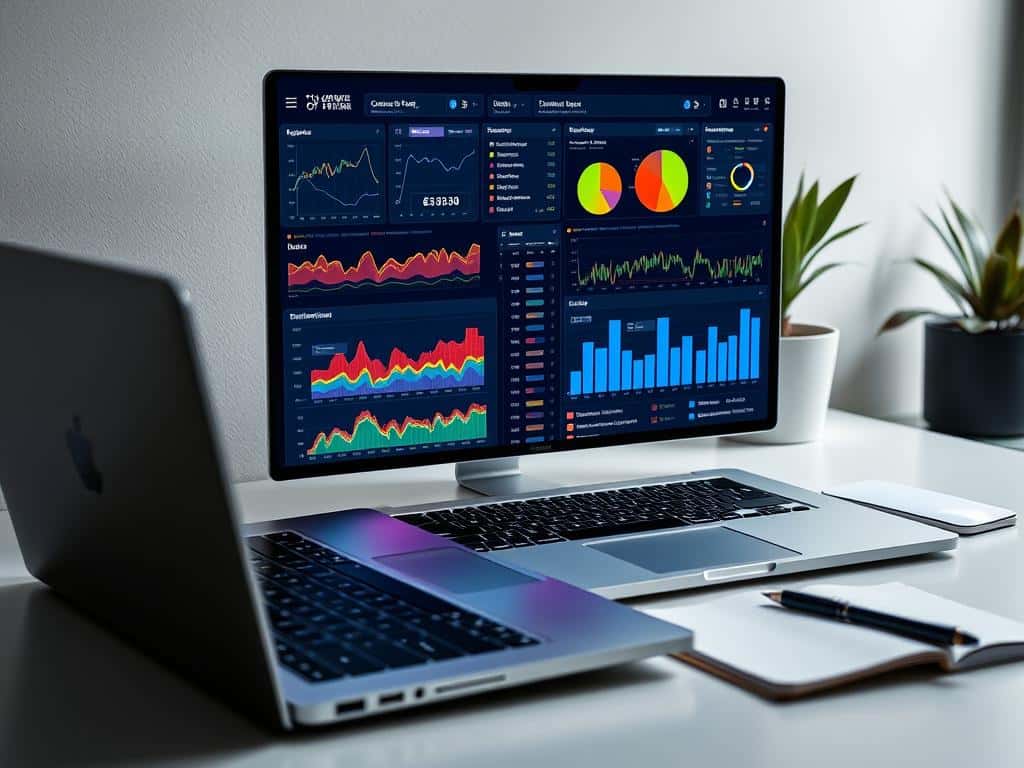
Best Multitasking Tools for Project Management
Choosing the right tools for project management is key. Many options help teams stay organized and efficient. They manage multiple projects at once. Let’s look at some top multitasking tools.
Epicflow: A Complete Solution
Epicflow is a top choice for managing many projects. It gives real-time updates and smart resource planning. This ensures teams work well together.
This tool is great for tracking projects at the same time. It helps plan and execute projects better.
Asana: Visualize and Track Progress
Asana is known for its easy-to-use interface and visual tracking. It helps manage resources and automate workflows. It’s perfect for non-technical teams.
Its strong task management features boost collaboration. It works well across different business areas.
ClickUp: Enhance Team Collaboration
ClickUp is unique for its customization options. It offers various views for tracking projects. It also works well with Google Calendar and Slack.
This flexibility helps teams work better together. They can reach their goals more easily.
Monday.com: Flexibility Across Industries
Monday.com is famous for its visual and adaptable workspace. It has customizable templates for different industries and projects. Users can track projects visually and collaborate easily.
It’s a favorite for teams wanting to boost efficiency. It makes workflow smoother.
Conclusion
Managing multiple projects can be tough. The right tools make a big difference. Tools like Epicflow, Asana, ClickUp, and Monday.com help a lot. They make processes smoother, improve teamwork, and enhance communication.
Research shows multitasking can hurt performance and increase mistakes. Giving each task focused time helps a lot. This way, we avoid distractions and work better together.
Knowing the good and bad of multitasking tools helps us manage better. By focusing and working together, we get better results. This makes our work more efficient and successful.
