
Did you know small businesses can boost efficiency by up to 30% with the right tools? As remote work grows, so does the need for Productivity Tools. The right software helps me stay focused and organized, making my work more efficient.
In this article, I’ll share ten key productivity tools for better work and life. These tools help with modern work challenges, making collaboration and task management easier. They offer smart solutions to make your tasks smoother and boost your productivity in 2024.
Key Takeaways
- Productivity tools can boost efficiency in small businesses by 30%.
- Utilizing software tailored for remote work improves organization.
- Effective task management leads to better overall workflow.
- Automation and smart task management are trending in modern tools.
- Seamless collaboration is vital in today’s digital workspace.
Understanding the Need for Productivity Tools in 2024
The way we work has changed a lot in 2024. Now, many people work from home, facing new challenges. It’s hard to stay focused with distractions at home and too many ways to communicate. This is why we need better tools to help us work well.
Challenges of Modern Work Environments
Working from home can make it tough to stay focused. Without an office, we get interrupted by family and chores. Digital alerts add to the problem, making it hard to focus on what’s important.
Managing our time and tasks becomes a big challenge. This shows we really need good tools to stay organized and efficient.
Benefits of Using Productivity Tools
Productivity tools bring many benefits to our work. They help us keep our tasks in order. Tools like Harvest and Hubstaff make tracking time easier.
Platforms like Slack help teams work together better. Using these tools helps us stay on track and work better, even when we’re not in an office.
Top Productivity Tools You Can’t Work Without
The modern workplace needs efficiency and organization. Productivity tools are key for success. They help with project management and graphic design, making daily tasks easier. Here are some top tools that boost productivity and make work flow better.
Notion: The All-in-One Workspace
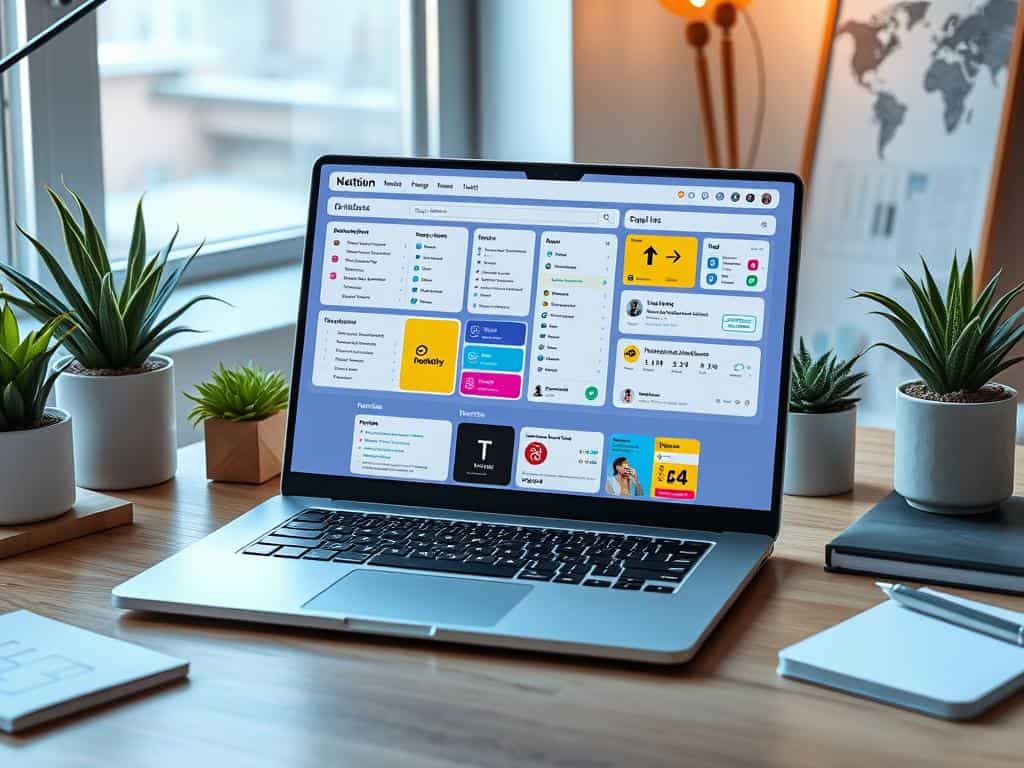
Notion is a workspace that does it all. It’s for note-taking, project management, and teamwork. It’s great for organizing tasks and keeping everything in one spot. Its customizable features help me work more efficiently by reducing the need to switch between apps.
Canva: Simplifying Graphic Design
Canva makes graphic design easy. Its drag-and-drop interface is simple to use, even for those new to design. With tools like the Magic Eraser, I can create professional-looking graphics quickly. This helps a lot with my marketing and presentations.
Slack: Enhancing Team Communication
Good team communication is key, now more than ever. Slack makes it easy to talk and work together, even when we’re not in the same place. Its organized channels help us stay focused and clear about our projects.
Todoist: Task Management Made Easy
Todoist has changed how I manage tasks. It’s easy to use and has features like reminders and priorities. This helps me stay organized and focused on my goals, both short and long-term.
Arc Browser: Revolutionizing Online Workspaces
The Arc Browser changes how I use the internet. It offers new ways to organize tabs and bookmarks. Its layout and AI features help me find what I need quickly. This keeps me focused and improves my browsing experience.
Other Must-Have Productivity Tools
In today’s fast-paced work environment, having the right productivity tools is key. Several standout options cater to different needs. They help enhance focus and collaboration.
GPT-4: Your AI Writing Assistant
GPT-4 is my go-to writing assistant. It makes writing tasks much easier. It drafts emails, outlines, and helps brainstorm ideas.
The suggestions it offers inspire creative solutions. This makes my content more engaging and of higher quality. GPT-4 is a valuable asset in my daily work.
Freedom: Blocking Distractions
Maintaining focus can be tough, thanks to online distractions. Freedom helps by blocking distracting websites and apps. It creates a productive environment.
By blocking social media and other diversions, I can focus on important tasks. This boosts my overall focus on critical projects.
Google Workspace: Seamless Collaboration
Google Workspace changes team collaboration. It offers a cloud-based suite of tools for smooth teamwork. Features like real-time editing make it easy for teams to work together, no matter their location.
Google Workspace is essential for my collaborative projects. It improves communication and workflow across the board.
Conclusion
Choosing the right productivity tools in 2024 is key to boosting my efficiency and keeping my workflows organized. With 82% of businesses finding it hard to delegate tasks and set priorities, the need for good tools is clear. Tools like Notion and Slack make communication and project management easier. Solutions like Freedom help me stay focused by reducing distractions.
It’s also important to think about what I like; 63% of users value an easy-to-use interface over lots of features. This focus on simplicity, combined with the power of workflow automation tools, gives me the tools to be more productive. With 67% of professionals saying integration with current tools makes them more effective, picking the right tools is essential.
In a market full of choices, with over 90% of users expecting support, finding tools that fit my work style is important. As I explore these options, using cloud-based solutions like Google Drive and easy-to-use project management tools like Asana is vital. This helps me achieve smooth workflows and success in my career.
