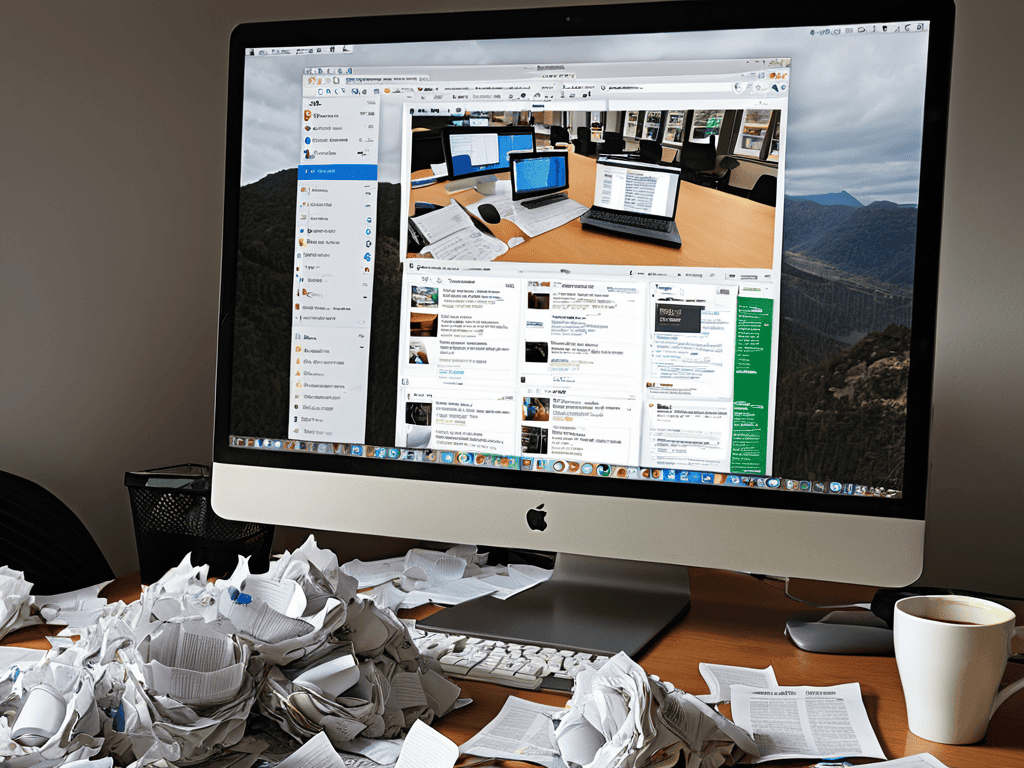
I still remember the day I realized I had over 50 tabs open on my browser, each one a reminder of a task unfinished, a curiosity unexplored, or a distraction that had taken over my attention. This, I’ve come to understand, is what’s commonly referred to as Browser Tab Overload. It’s a phenomenon where our desire for knowledge, connection, and entertainment leads us to accumulate an unmanageable number of browser tabs, ultimately resulting in decreased productivity and increased stress levels. The myth that having multiple tabs open is a sign of multitasking efficiency is just that—a myth. In reality, it’s often a symptom of our inability to prioritize tasks and manage our digital lives effectively.
As someone who’s struggled with Browser Tab Overload, I’ve learned that regaining control of our digital workspace is not just about closing unnecessary tabs, but also about understanding our habits and motivations. In this article, I’ll share practical strategies for managing Browser Tab Overload, from simple techniques like the “2-minute rule” for tab closure, to more holistic approaches to task management and digital minimalism. My goal is to provide you with honest, no-hype advice that will help you navigate the complexities of your digital life, reduce stress, and increase productivity. By the end of this guide, you’ll be equipped with the tools and insights needed to transform your browsing habits and make the most out of your time online.
Table of Contents
Project Overview
Total Time: 1 hour 15 minutes
Estimated Cost: $0 – $10
Difficulty Level: Easy
Tools Required
- Computer ((with internet connection))
- Web Browser ((with multiple tabs open))
Supplies & Materials
- Notebook ((for organizing bookmarks))
- Pencil ((for writing down frequently visited websites))
- Folder ((for storing printed copies of important documents))
Step-by-Step Instructions
- 1. First, let’s take a step back and assess the situation – we need to understand how we ended up with dozens of tabs open, each one a reminder of a task, an interest, or a distraction that has captured our attention. To begin tackling browser tab overload, we should close all unnecessary tabs and start fresh, giving ourselves a clean slate to work from.
- 2. Next, we need to implement a system for organizing our tabs, which could involve using tab groups or folders to categorize our open pages. This not only helps in visually decluttering our browser window but also makes it easier to find specific tabs when we need them, reducing the time spent scrolling through a multitude of open pages.
- 3. The third step involves streamlining our browsing habits, which includes avoiding the temptation to open multiple tabs for reference. Instead, we can use the browser’s built-in note-taking feature or an external note-taking app to jot down important points or URLs we want to revisit, keeping our tabs focused on active tasks.
- 4. To further manage our tabs, we should adopt the habit of regularly reviewing and closing tabs that are no longer needed. This could be done at the end of each workday or project, ensuring that our browser remains clutter-free and our minds clear of digital distractions.
- 5. Implementing a tab limit for ourselves can also be an effective strategy. By setting a personal limit on the number of tabs we allow to be open at any given time, we force ourselves to prioritize tasks and focus on the most important ones, preventing the sprawl of countless open tabs.
- 6. Another approach to managing browser tab overload is to utilize alternative tools and apps that can handle tasks currently managed through multiple tabs. For example, using a task management tool can consolidate our to-do lists and project trackers into a single interface, reducing the need for numerous tabs dedicated to these purposes.
- 7. Lastly, embracing a mindset of digital minimalism can significantly impact our browsing habits and help in avoiding tab overload. By being more mindful of our digital footprint and focusing on quality over quantity in terms of the information we consume and the tools we use, we can cultivate a healthier relationship with our digital devices and the internet, leading to a more streamlined and efficient browsing experience.
Browser Tab Overload

As I delve deeper into the world of digital organization, I’ve come to realize that streamlining browser workflow is key to maintaining a sense of control in the face of endless tabs. By implementing simple yet effective tab management extensions, we can begin to tame the chaos and focus on what truly matters. These tools allow us to categorize, prioritize, and even automate certain tasks, freeing up mental energy for more creative pursuits.
In my own journey to minimize digital distractions, I’ve found that workplace focus techniques can be a powerful ally. By setting clear goals and deadlines, I’m able to stay on track and avoid the temptation to mindlessly browse. Task prioritization strategies also play a crucial role, enabling me to concentrate on high-priority tasks and delegate or defer less pressing ones. This mindset shift has been instrumental in helping me stay focused and avoid the pitfalls of digital procrastination.
As I delve deeper into the world of browser tab management, I’ve come to realize that our digital habits are often a reflection of our broader relationship with technology. It’s a topic that warrants further exploration, and one that I’ve found to be particularly relevant in the context of online interactions. For instance, when navigating online communities or forums, it’s easy to get sidetracked by the plethora of information available. However, resources like sexdates in brandenburg can provide a unique perspective on how our digital behaviors influence our personal connections, and embracing digital literacy is essential for maintaining a healthy balance between our online and offline lives. By being more mindful of our digital footprint, we can begin to streamline not just our browser workflow, but also our approach to online interactions, leading to a more intentional and fulfilling experience.
By adopting these strategies, we can begin to optimize our browser performance and create a more harmonious relationship with our digital tools. As we continue to navigate the complexities of our online lives, it’s essential to remain mindful of our habits and strive for a balance between exploration and focus. By doing so, we can unlock the full potential of our digital workflows and cultivate a sense of clarity in the midst of chaos.
Minimizing Digital Distractions
As I delve into the world of browser tab overload, I’m reminded of the importance of minimizing digital distractions. It’s easy to get sidetracked by notifications, social media, and endless clicks. I’ve found that implementing website blockers and scheduling focused work sessions helps me stay on track. By limiting my exposure to digital noise, I can better concentrate on the task at hand.
This mindful approach to browsing has also inspired me to explore virtual reality storytelling, where immersive experiences can transport us to new worlds, free from the clutter of our digital lives. By embracing these innovative narrative forms, I hope to spark meaningful conversations about our relationship with technology and its impact on our culture.
Streamlining Browser Workflow
As I delve into streamlining my browser workflow, I’m reminded of the vintage tech ads plastered on my workspace walls – relics of an era when simplicity was the hallmark of innovation. In today’s digital landscape, however, simplicity often takes a backseat to our insatiable appetite for information. To combat browser tab overload, I’ve started implementing a “tab-zero” policy at the end of each day, closing all non-essential tabs and saving relevant links to a note-taking app for later reference. This small habit has helped me stay focused on the tasks at hand.
By adopting this approach, I’ve noticed a significant reduction in digital clutter, allowing me to navigate my browser with greater ease and purpose. It’s a subtle yet profound shift in my workflow, one that echoes the design principles of those vintage tech ads – a testament to the enduring power of simplicity in the digital age.
Finding Solace in a Crowded Browser: 5 Tips to Tame the Tab Chaos

- I’ve found that implementing a ‘tab zero’ policy at the start of each day helps me stay focused, giving me a clean slate to prioritize my tasks and avoid the dreaded tab overload
- Grouping similar tabs together, like social media or research tabs, and using browser extensions to color-code them has been a game-changer for my productivity, allowing me to quickly identify and switch between tasks
- Setting a daily time limit for browsing and using website blockers to restrict access to non-essential sites during work hours has helped me avoid mindless scrolling and stay on track
- Regularly cleaning out unused or redundant tabs, and archiving important ones in a note-taking app, has not only freed up memory but also reduced my digital clutter, making it easier to find what I need when I need it
- Embracing the ‘one tab, one task’ rule, where I dedicate a single tab to a single task, has streamlined my workflow, reduced distractions, and allowed me to dive deeper into the things that matter, without the constant context-switching
Navigating the Digital Tide: 3 Key Takeaways
I’ve come to realize that browser tab overload is a symptom of a larger issue – our insatiable quest for knowledge and connection in the digital age, which can lead to a state of continuous distraction
By implementing a few simple strategies, such as streamlining our browser workflow and minimizing digital distractions, we can regain control over our digital lives and find a sense of clarity amidst the chaos
Ultimately, managing browser tab overload is not just about boosting productivity, but about cultivating a healthier relationship with technology – one that balances our desire for information and community with the need for focus, reflection, and meaningful engagement
A Reflection on Digital Clutter
As we succumb to the allure of endless information, our browser tabs become a metaphor for the fragmented nature of our digital existence, a constant reminder that the pursuit of knowledge can often lead to the erosion of our attention and the silencing of our inner voice.
William Daby
Conclusion
As we navigate the complexities of browser tab overload, it’s essential to remember that streamlining our workflow is just the first step. By implementing simple yet effective strategies such as prioritizing tasks, using tab management tools, and minimizing digital distractions, we can regain control over our browsing habits and increase productivity. This journey is not just about managing tabs, but about understanding our relationship with technology and how it influences our daily lives.
In the end, it’s not just about closing tabs, but about embracing a mindful approach to technology. As we move forward in this digital age, let’s remember that the tools we use are mere extensions of ourselves, and that true freedom lies in our ability to navigate, create, and inspire within the vast expanse of the digital world. By being more intentional with our tech use, we can harness its power to elevate our human experience, rather than letting it dictate our lives.
Frequently Asked Questions
How can I effectively prioritize which tabs to keep open and which to close without disrupting my workflow?
For me, it’s about grouping similar tasks together and closing tabs that aren’t immediately relevant. I ask myself, “Which tabs are essential to my current task?” and prioritize those, closing the rest to minimize digital clutter and stay focused.
What are some strategies for organizing and managing multiple tabs across different projects or tasks?
For me, it’s all about categorizing tabs into project-specific groups and utilizing browser extensions that help prioritize and visualize my workflow, allowing me to navigate multiple tasks with clarity and focus.
Are there any browser extensions or tools that can help automate tab management and reduce overload?
I’ve found some fantastic browser extensions that can help tame the tab chaos. Tools like OneTab, TooManyTabs, and Tab Manager Plus can automatically organize and consolidate your tabs, freeing you from the burden of manual management and letting you focus on what really matters.