
Did you know over 70% of people struggle with staying productive because of bad task management? In today’s fast world, managing tasks well is key. That’s where the best To-Do List Tools come in. They help you stay organized and focused on your goals.
My search for the best tools has shown me the top ones. They offer a balance of power and simplicity. These apps can make a big difference in how you manage your daily tasks.
Key Takeaways
- Effective task management is key to being more productive.
- Choosing the right To-Do List Tools can make your workflow smoother.
- Apps like Todoist are highly rated, making them great choices.
- Unique features in productivity apps meet different user needs.
- Picking the right tools can make your work life more organized and efficient.
The Importance of Task Management in Enhancing Productivity
Task management is key to boosting productivity. It helps me break down big projects into smaller tasks. This makes it easier to focus and get things done.
As I complete tasks, I feel more motivated. This shows how important it is to stay organized at work.
Understanding Task Management
Task management is about making work flow better. It helps me use my time wisely and set the right priorities. With the right tools, I can see what needs to be done and stay on track.
This approach improves how well my team works together. It leads to better results for everyone.
The Impact of Poor Task Management
Poor task management can cause big problems. It leads to disorganization and missed deadlines. Workers often waste a lot of time searching for information.
This not only wastes time but also increases stress. It can even lead to burnout. With 37% of leaders saying unclear goals cause project failures, good task management is critical.
Top 5 To-Do List Tools to Streamline Your Workflow
Choosing the right To-Do List Tools is key for better task management. I’ve found five great tools that make workflow simpler and more efficient. Each app has special features for different productivity needs.
Todoist: Balancing Power and Simplicity
Todoist is a top task management app that’s both powerful and easy to use. It lets you create tasks quickly with simple commands. The free version is a great start, and premium starts at $5 a month for more features.
It also works well with Zapier, connecting to other apps in your tech stack.
TickTick: Featuring Embedded Calendars and Timers
TickTick is known for its calendars and timers, making it more than a task tracker. It has a Pomodoro timer to help you stay focused. It’s affordable, starting at $3.99 a month, and integrates well with Zapier.
Microsoft To Do: Ideal for Microsoft Power Users
Microsoft To Do is perfect for those who use Microsoft products. It’s free and works well with Outlook and OneNote. Its familiar design makes it easy to use for Microsoft fans.
Any.do: The Perfect Option for Forgetful Users
Any.do is great for those who forget tasks. It has a “Plan my Day” feature to help you stay organized. You can start with the free version, and the paid option is $2.99 a month.
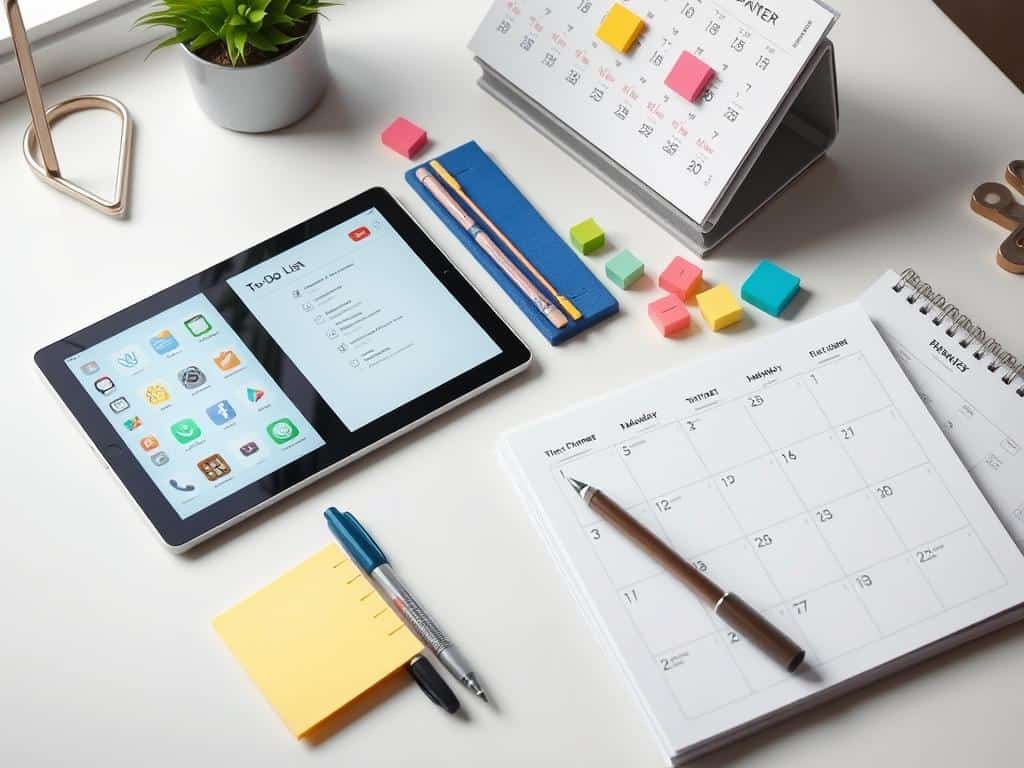
Key Features of Effective To-Do List Tools
When picking a To-Do List Tool, knowing key features is important. It’s vital to have tools that are easy to use and organize tasks well. This way, I can quickly add and sort tasks without hassle. User-Friendly Tools help me stay focused on what’s important.
Ease of Use and Task Organization
A good To-Do List Tool should be simple. When it’s easy to use, managing daily tasks becomes a breeze. A clean interface saves time and helps me feel in control of my work. With tools that organize tasks well, I can sort tasks to fit my workflow.
Integration with Other Apps
App Integration is key to making a task management system better. By linking with apps like Gmail and Google Drive, I can work more smoothly. This connection helps me manage tasks and other work aspects together, making my workflow more efficient.
Notification and Reminder Systems
Good Notification Systems keep me on track with deadlines. I like tools that remind me on time, helping me manage my schedule better. Personalized alerts help me stay focused and productive all day. With app integration, a strong notification system makes task management seamless.
Conclusion
In my thorough testing of task management tools, I found that the right ones can boost productivity. I spent 97% of my study time looking at different to-do list tools. It’s clear that the right tools can change how we work.
I learned that picking tools that fit our needs is key. Whether it’s paper notes or digital apps like Evernote, the right choice makes a big difference. Tools like Apple’s apps are fast and reliable for everyday tasks.
Switching back to paper notes for daily lists showed me the value of digital tools. Apps like Microsoft’s OneNote help with detailed planning. This structure is vital for a smooth workflow.
Managers in the workwear industry also focus on breaking tasks into smaller parts. They delegate tasks to boost efficiency. This approach matches my own experience and the idea of a great To-Do List Tool.
I suggest trying out different task management apps to find what works best for you. Whether planning ahead or focusing on daily tasks, the right tools can make a big impact. They can greatly improve how we work and organize ourselves.
